
Taption Review 2025: AI Video Transcription, Translation & Caption Tool
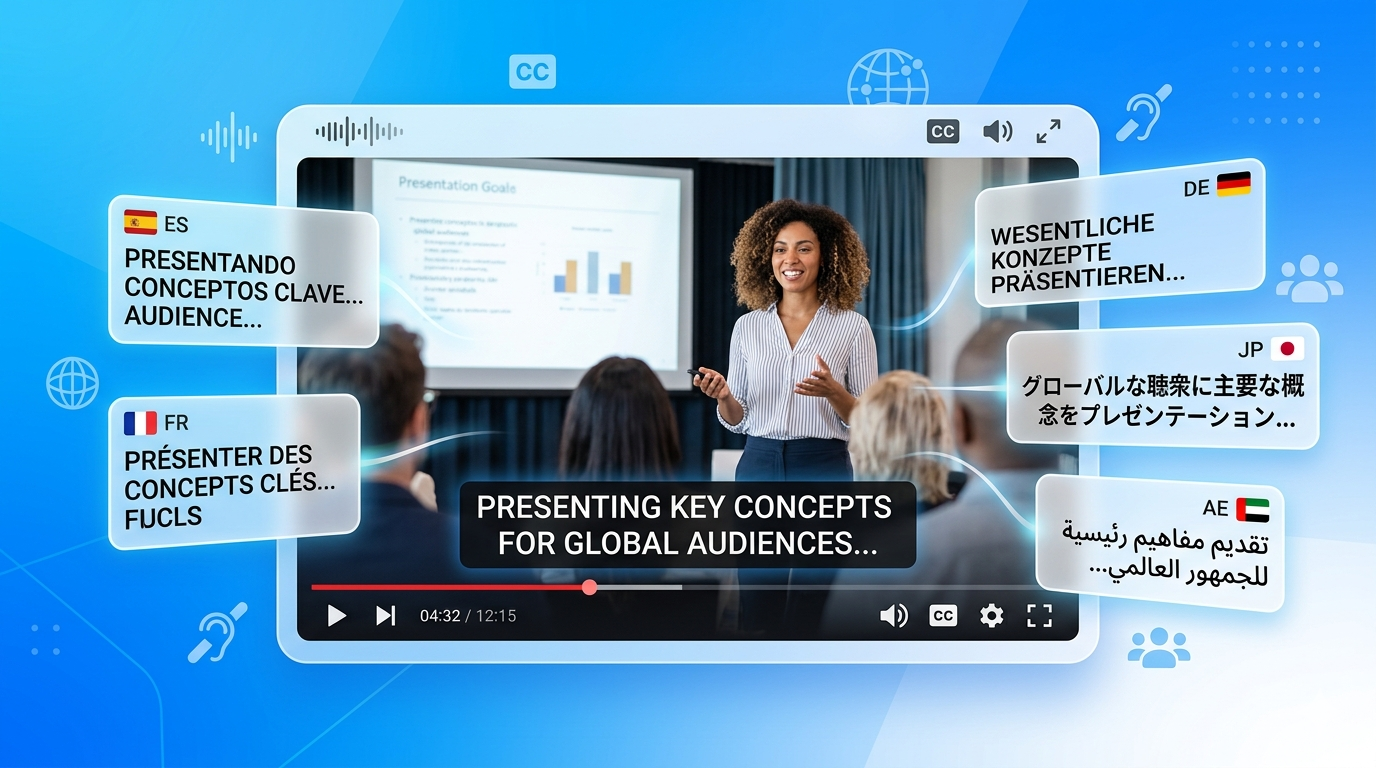
Adding captions and transcripts to your videos boosts accessibility, SEO rankings, and viewer engagement—especially on social media platforms where many users watch without sound. Taption is an AI-powered video transcription, translation, and caption generation tool that helps creators, businesses, and educators quickly add professional subtitles to any video. In this Taption review, we break down its core features, language support, pricing structure, and how it compares to competing transcription tools.
👉 Try Taption — Start Your Free Trial
What Is Taption?
Taption is a web-based AI transcription and captioning platform designed for video creators, educators, marketers, and businesses who need accurate, multilingual subtitles for their video content. It combines AI speech recognition with a user-friendly editor to make the transcription and captioning process fast, accurate, and accessible—regardless of technical expertise.
Key Features of Taption
Taption offers a well-rounded set of captioning and transcription features designed for video content workflows.
• AI Transcription: Automatically transcribe video audio into accurate text with AI speech recognition.
• Multi-Language Support: Transcribe and translate captions in 50+ languages for global content distribution.
• Caption and Subtitle Export: Export captions in SRT, VTT, and other standard formats compatible with all major video platforms.
• Interactive Transcript Editor: Edit transcriptions with a synchronized editor that highlights text as video plays.
• Translation Feature: Translate existing captions into additional languages to maximize global reach.
• YouTube and Vimeo Integration: Directly import videos from YouTube or Vimeo for instant transcription.
• Team Collaboration: Share transcription projects with team members for collaborative editing.
• Speaker Labels: Assign speaker names for cleaner multi-speaker transcripts.
Taption Pricing
Taption uses a credit-based pricing model for transcriptions, with free credits available for new users. Paid plans offer larger credit bundles at discounted rates. The free tier allows new users to test core features with limited transcription minutes.
Who Should Use Taption?
Taption is ideal for YouTube creators who need fast, accurate captions for SEO and accessibility, educators creating captioned educational videos, businesses producing multilingual training content, social media managers adding subtitles to reels and short videos, and journalists and researchers transcribing interview footage.
Pros and Cons of Taption
Pros: Clean, intuitive interface with synchronized video and transcript editing, broad language support with 50+ languages, direct YouTube and Vimeo integration for easy import, speaker labeling for multi-participant videos, affordable credit-based pricing for low-volume users. Cons: Credit-based pricing can add up for high-volume use, accuracy can vary with strong accents or background noise, limited advanced video editing capabilities, no real-time live captioning for events.
🚀 Start Free with Taption -> https://www.revavenues.ai/tools/taption No credit card required. Start your free trial today. |
Frequently Asked Questions About Taption
Q: How many languages does Taption support?
A: Taption supports transcription and translation in 50+ languages, making it a strong choice for multilingual content teams.
Q: Can Taption generate subtitles for YouTube videos?
A: Yes, Taption allows you to directly import YouTube videos by URL and automatically generate SRT captions ready to upload back to YouTube.
Q: Does Taption translate captions into other languages?
A: Yes, Taption includes a translation feature that converts your original captions into multiple target languages for international audiences.
Q: Is Taption suitable for business use?
A: Absolutely. Taption is used by businesses for training video captioning, multilingual marketing content, and meeting transcription workflows.
Q: What caption formats does Taption export?
A: Taption exports captions in standard formats including SRT and VTT, which are compatible with YouTube, Vimeo, and most major video platforms.
Related Tools You Might Also Like
• Auris AI for audio transcription