
Riverside Review 2025: Professional Podcast & Video Recording in the Cloud
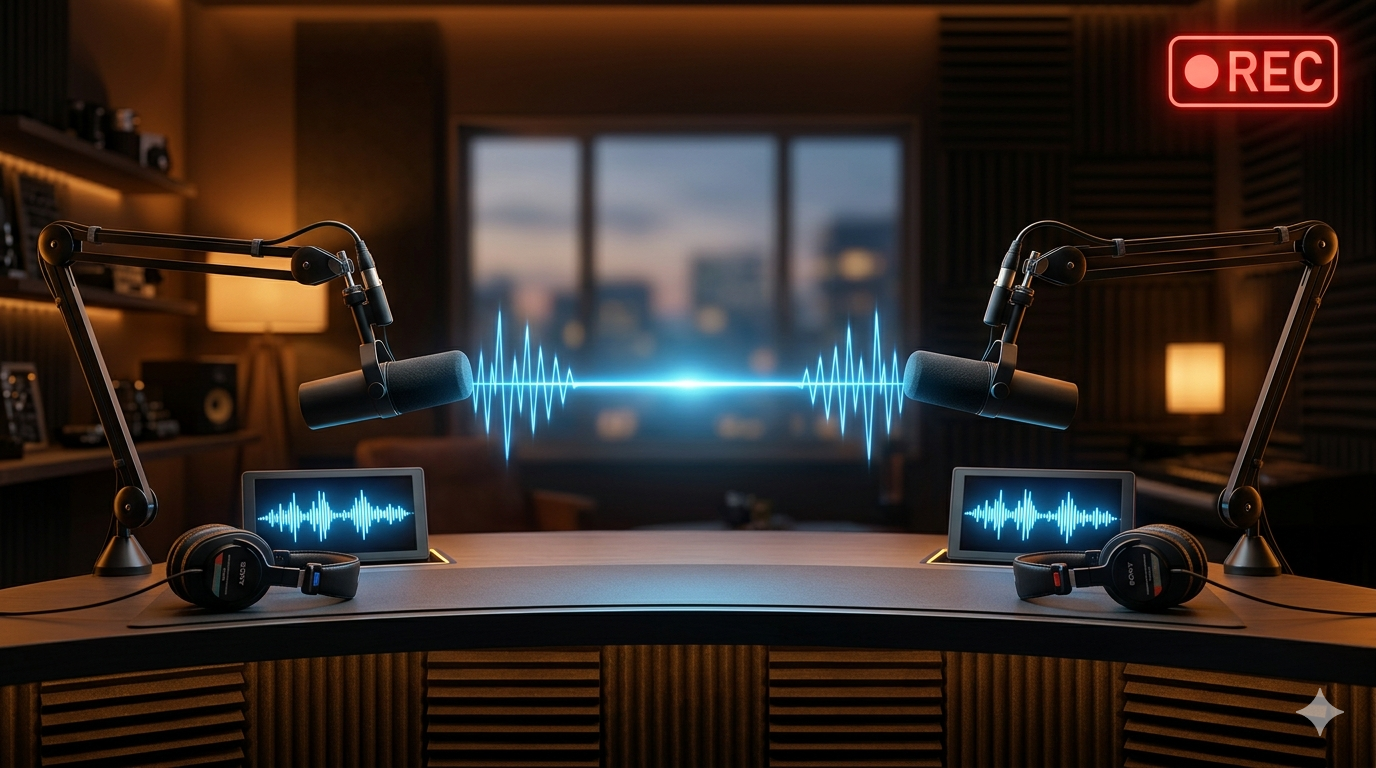
Remote content creation has become the standard for podcasters, video creators, and journalists. But poor audio and video quality can undermine even the best content. Riverside solves this challenge by recording each participant locally in studio-quality audio and video—up to 4K—regardless of internet connection quality. In this Riverside review, we explore the features, pricing, and capabilities that make it one of the most trusted podcast and remote video recording platforms for creators and media teams worldwide.
👉 Try Riverside — Start Your Free Trial
What Is Riverside?
Riverside is a professional browser-based recording studio designed for podcasters, video creators, journalists, and media companies. Unlike standard video conferencing tools, Riverside records each participant's audio and video locally on their device, then uploads the files after the session—ensuring studio-quality recordings even with poor internet connections. The platform also includes AI-powered transcription, editing tools, and distribution features to create a complete content creation workflow.
Key Features of Riverside
Riverside offers a robust set of recording and production features purpose-built for content creators.
• Local Recording Technology: Records each participant's audio (up to 48kHz WAV) and video (up to 4K) locally, eliminating quality loss from internet compression.
• Separate Track Recording: Captures individual audio and video tracks for each participant, giving editors full control in post-production.
• AI Transcription: Automatically transcribe recordings with high accuracy, supporting multiple languages.
• Text-Based Editing: Edit audio and video by editing the transcript—cut filler words and silences with a click.
• Magic Clips: AI automatically identifies highlight moments and creates shareable clips for social media.
• Live Streaming: Broadcast your recording sessions live to YouTube, Facebook, or LinkedIn simultaneously.
• Screen Recording: Record your screen alongside webcam for tutorials and demos.
• Backstage View: Producers can monitor and manage sessions without being seen on camera.
Riverside Pricing Plans
Riverside offers a generous free plan for casual users and paid plans for professional creators and teams.
• Free Plan: 2 hours of recording per month, 720p video, unlimited participants, AI transcription.
• Standard Plan: $15/month (annually) – Unlimited recording, 1080p video, magic clips, live streaming.
• Pro Plan: $24/month (annually) – 4K video, additional AI features, priority support.
• Enterprise: Custom pricing for large teams and media companies.
Who Should Use Riverside?
Riverside is ideal for podcasters who interview remote guests and need professional audio quality, video creators and journalists conducting remote interviews, media companies producing professional content with multiple participants, educators hosting high-quality virtual lectures and webinars, and business teams who want to repurpose internal conversations as polished content.
Pros and Cons of Riverside
Pros: Studio-quality recordings regardless of participants' internet speed, separate audio tracks per participant for professional post-production, strong AI transcription and editing tools, Magic Clips feature saves hours of social media content creation, live streaming capability built in. Cons: Free plan limited to 2 hours per month, 4K video requires the Pro plan, participants need a modern browser for best performance, not a replacement for professional video editing software.
🚀 Start Free with Riverside -> https://www.revavenues.ai/tools/riverside No credit card required. Start your free trial today. |
Frequently Asked Questions About Riverside
Q: How does Riverside record in studio quality remotely?
A: Riverside records each participant's audio and video locally on their device, then uploads the files—bypassing internet compression that degrades quality in traditional video calls.
Q: Does Riverside have a free plan?
A: Yes, Riverside offers a free plan that includes up to 2 hours of recording per month with 720p video and unlimited participants.
Q: Can Riverside automatically transcribe recordings?
A: Yes, Riverside includes AI-powered automatic transcription for recordings, supporting multiple languages.
Q: Is Riverside good for podcasting?
A: Riverside is widely considered one of the best podcast recording platforms available. Its local recording technology ensures professional-quality audio from all participants.
Q: Can I live stream with Riverside?
A: Yes, Riverside's Standard and Pro plans include live streaming to YouTube, Facebook, and LinkedIn simultaneously.
Related Tools You Might Also Like
• Auris AI for audio transcription