
Lensa AI Review 2026: Features, Pricing & AI Photo Editing App
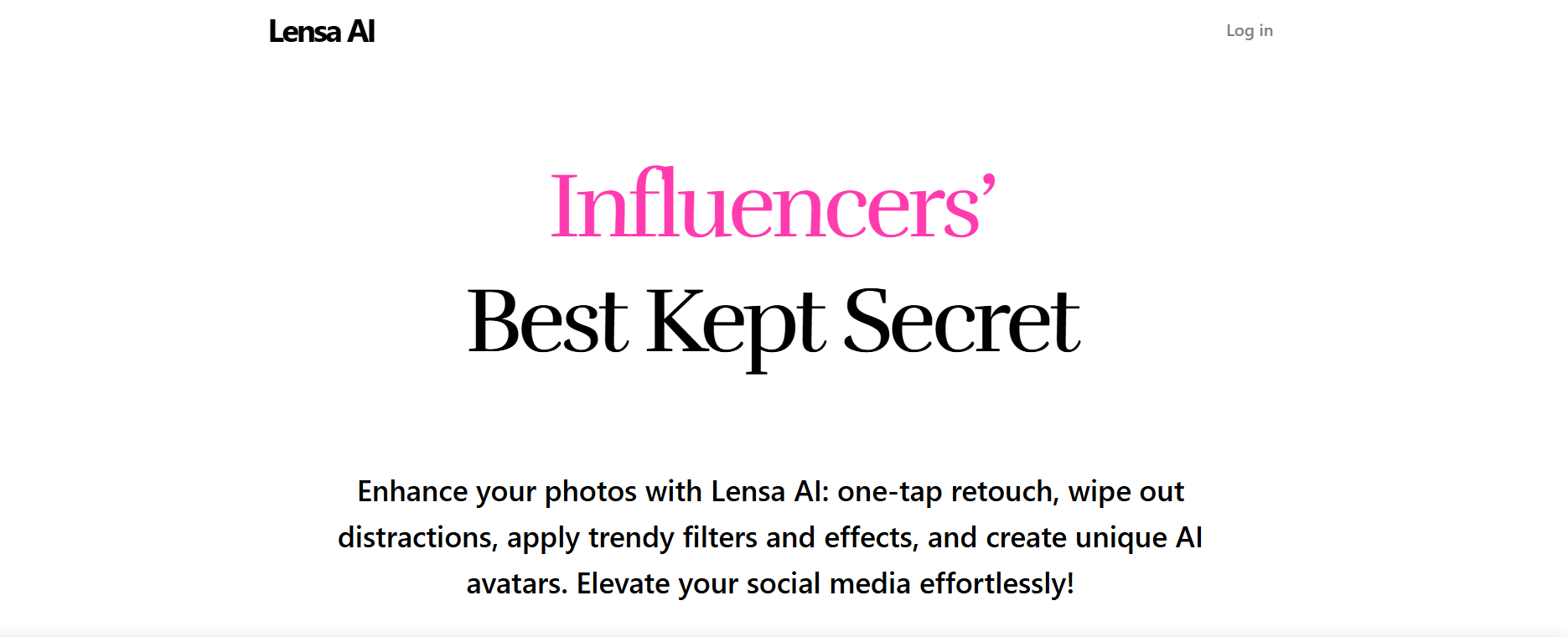
Editing photos used to require time, skill, and complex software. Today, apps like Lensa AI are changing that by making professional-quality edits accessible to everyone.
Whether you want to enhance a selfie, remove unwanted objects, or create unique AI avatars, Lensa promises to do it all in just a few taps.
But is it really that simple—and worth using? Let’s break it down.
What is Lensa AI?
Lensa AI is a mobile-first photo editing app developed by Prisma Labs. It uses artificial intelligence to enhance images automatically, helping users improve lighting, skin tone, and overall quality with minimal effort.
The app is especially popular for its “Magic Avatars” feature, which transforms your photos into artistic, AI-generated portraits.
Designed for everyday users and content creators, Lensa focuses on simplicity while still offering powerful editing capabilities.
Key Features of Lensa AI
One-Tap Photo Enhancement
Improve your photos instantly with AI-powered adjustments for lighting, skin, and clarity—no manual editing required.
Magic Avatars
Generate creative, stylized portraits from your photos. This feature has become one of Lensa’s biggest highlights for social media users.
Object Removal
Easily remove unwanted elements from your images without affecting the overall quality.
Background Editing
Change or enhance backgrounds to make your photos more visually appealing.
Portrait Retouching
Refine facial features, smooth skin, and adjust details while maintaining a natural look.
Artistic Filters and Effects
Apply creative filters and cinematic effects to give your images a unique style.
Pricing
Contact for pricing (varies by features and usage)
Subscription-based model
Pricing details are not fully transparent, and costs may vary depending on features like avatar generation.
Who Should Use Lensa AI?
Lensa AI is ideal for:
Social media users enhancing photos
Content creators and influencers
Photographers looking for quick edits
Casual users who want better-looking images
Anyone creating profile pictures or avatars
Primary Use Cases
Lensa AI is commonly used for:
Enhancing selfies and portrait photos
Creating AI-generated avatars
Removing unwanted objects or backgrounds
Applying filters and creative effects
Preparing images for social media
Technical Overview
AI Technology: Proprietary AI
Deployment: Cloud-based
Supported Languages:
English, French, German, Spanish, Chinese, Japanese, Korean, Portuguese, Russian
Company Information
Location: USA
Pros and Cons
Pros
Extremely easy to use
Fast, one-tap editing
Unique AI avatar feature
Supports multiple languages
Great for social media content
Cons
Pricing not fully transparent
No free trial available
Limited control for advanced users
Alternatives to Lensa AI
If you’re exploring similar tools, you can also check:
Imagen AI
Gamma
HyperWrite AI
Pictory AI
Claid.ai
Rask AI
Each tool offers different features depending on your creative needs.
FAQs
What is Lensa AI used for?
Lensa AI is used for editing photos, enhancing selfies, and creating AI-generated avatars.
Is Lensa AI beginner-friendly?
Yes, it’s designed for users with no editing experience.
What are Magic Avatars?
They are AI-generated portraits created from your uploaded photos.
How much does Lensa AI cost?
Pricing varies and is not fully transparent.
Is there a free trial?
No, Lensa AI does not currently offer a free trial.
Is Lensa AI good for social media?
Yes, it’s widely used for creating high-quality social media visuals.
Final Verdict: Is Lensa AI Worth It?
Lensa AI is one of the easiest tools available for quick and high-quality photo editing. Its AI-powered features, especially Magic Avatars, make it stand out for social media users and creators.
If you want fast results without learning complex editing tools, Lensa AI is a great choice.
However, if you need advanced control or transparent pricing, you might want to explore other options.
Stay Ahead with the Best AI Tools
Discover more tools like Lensa AI on RevAvenues—your trusted platform for finding, comparing, and choosing the right AI tools for your needs.