
Clipchamp Review 2026: Pricing, Features & Online Video Editor
Video content is everywhere—from social media reels to tutorials and marketing campaigns. But creating videos often requires complex software and technical skills.
Clipchamp makes video editing simple.
It’s an online video editor that runs directly in your browser, allowing you to create, edit, and share videos without installing heavy software or learning advanced tools.
But can it really replace traditional video editors? Let’s explore.
What is Clipchamp?
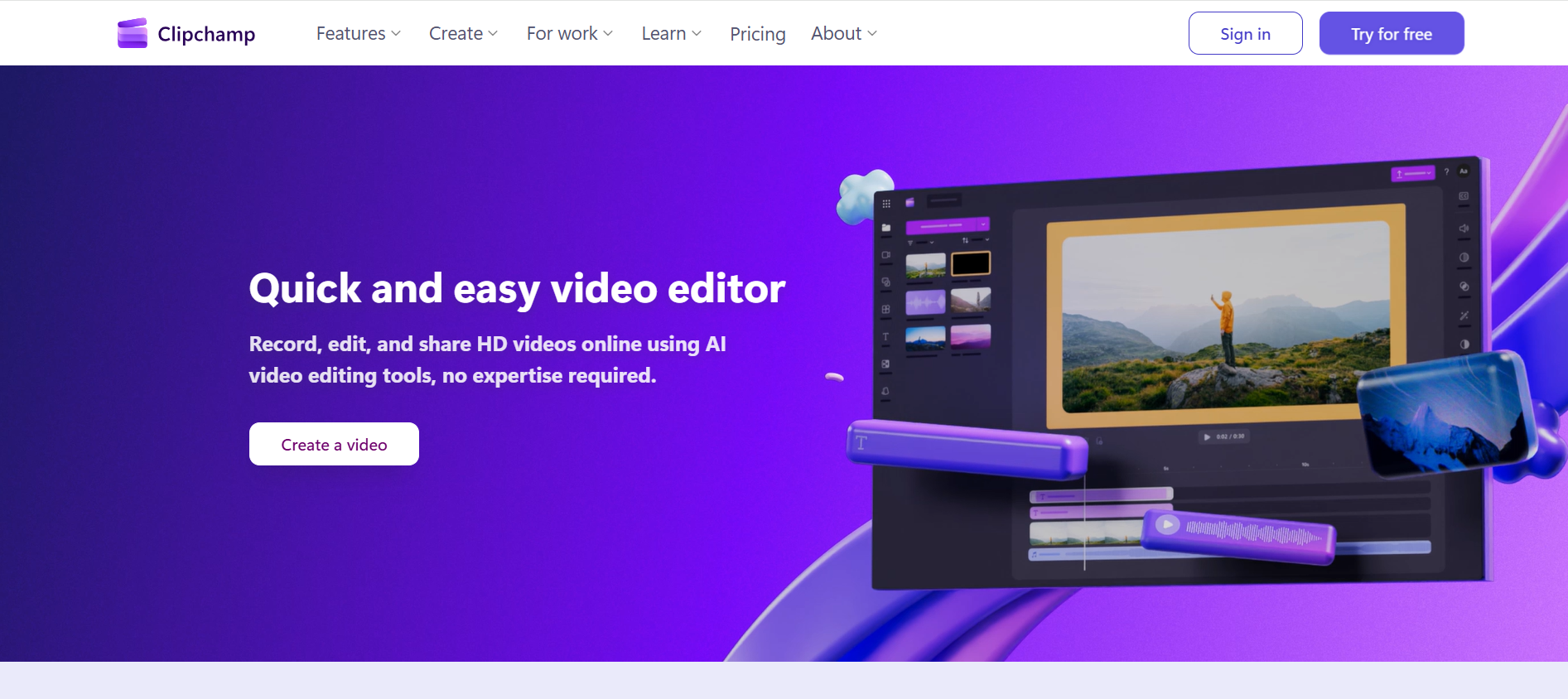
Clipchamp is a cloud-based video editing platform designed for simplicity and accessibility. It allows users to edit videos using a drag-and-drop interface, making it easy even for beginners.
You can create videos from scratch or use ready-made templates, add stock footage, record your screen, and enhance videos with AI-powered features—all from your browser.
Because it runs online, you don’t need a high-end computer, making it accessible to almost anyone.
Key Features of Clipchamp
Drag-and-Drop Video Editing
Easily edit videos by dragging clips, images, and audio into the timeline—no technical skills required.
Ready-Made Templates
Choose from a variety of templates for social media, ads, and presentations to speed up content creation.
AI-Powered Tools
Clipchamp includes smart features like auto captions, text-to-speech voiceovers, and silence removal for faster editing.
Screen and Webcam Recording
Record your screen, webcam, or both directly within the platform—ideal for tutorials and presentations.
Stock Media Library
Access a collection of stock videos, images, and audio to enhance your content.
Browser-Based Access
No installation needed—Clipchamp works directly in browsers like Chrome and Edge.
Pricing
Starts from ₹6,899/year
Subscription-based model
Clipchamp offers flexible pricing options, making it suitable for both individuals and businesses.
Who Should Use Clipchamp?
Clipchamp is ideal for:
Content creators making social media videos
Students creating presentations or projects
Marketers producing ads and campaigns
Small businesses creating promotional content
Educators recording tutorials and lessons
Primary Use Cases
Clipchamp is commonly used for:
Creating social media videos and reels
Editing tutorials and educational content
Recording screen and webcam videos
Producing marketing and promotional videos
Quick video editing for personal or business use
Technical Overview
AI Technology: Proprietary AI
Deployment: On-device (browser-based)
Supported Language: English
Company Information
Location: Washington, USA
Pros and Cons
Pros
Extremely easy to use
No installation required
AI features for faster editing
Works on most devices
Ideal for beginners and quick projects
Cons
Limited advanced editing features
Requires stable internet connection
May not suit professional video editors
Alternatives to Clipchamp
If you’re exploring similar tools, you can also check:
Pictory AI
Imagen AI
Gamma
HyperWrite AI
Claid.ai
Rask AI
Each tool offers different capabilities depending on your video editing needs.
FAQs
What is Clipchamp used for?
Clipchamp is used for creating and editing videos online using a simple interface.
Is Clipchamp free to use?
It offers a free trial, with paid plans for advanced features.
Do I need to install Clipchamp?
No, it works directly in your browser.
Is Clipchamp good for beginners?
Yes, it’s designed to be beginner-friendly.
Can I record videos in Clipchamp?
Yes, you can record screen and webcam videos.
Is Clipchamp suitable for professional editing?
It’s great for basic to intermediate editing, but advanced editors may need more powerful tools.
Final Verdict: Is Clipchamp Worth It?
Clipchamp is a great option for anyone looking to create videos quickly and easily without dealing with complex software. Its browser-based approach and AI-powered features make it especially useful for beginners and content creators.
While it may not replace advanced editing tools, it’s perfect for everyday video creation needs.
If you want a simple, fast, and accessible video editor, Clipchamp is definitely worth trying.
Stay Ahead with the Best AI Tools
Discover more tools like Clipchamp on RevAvenues—your go-to platform for finding, comparing, and choosing the right AI tools for your needs.