Best Free AI Video & Photo Editing Tools 2026 — No Watermark, No Credit Card Required
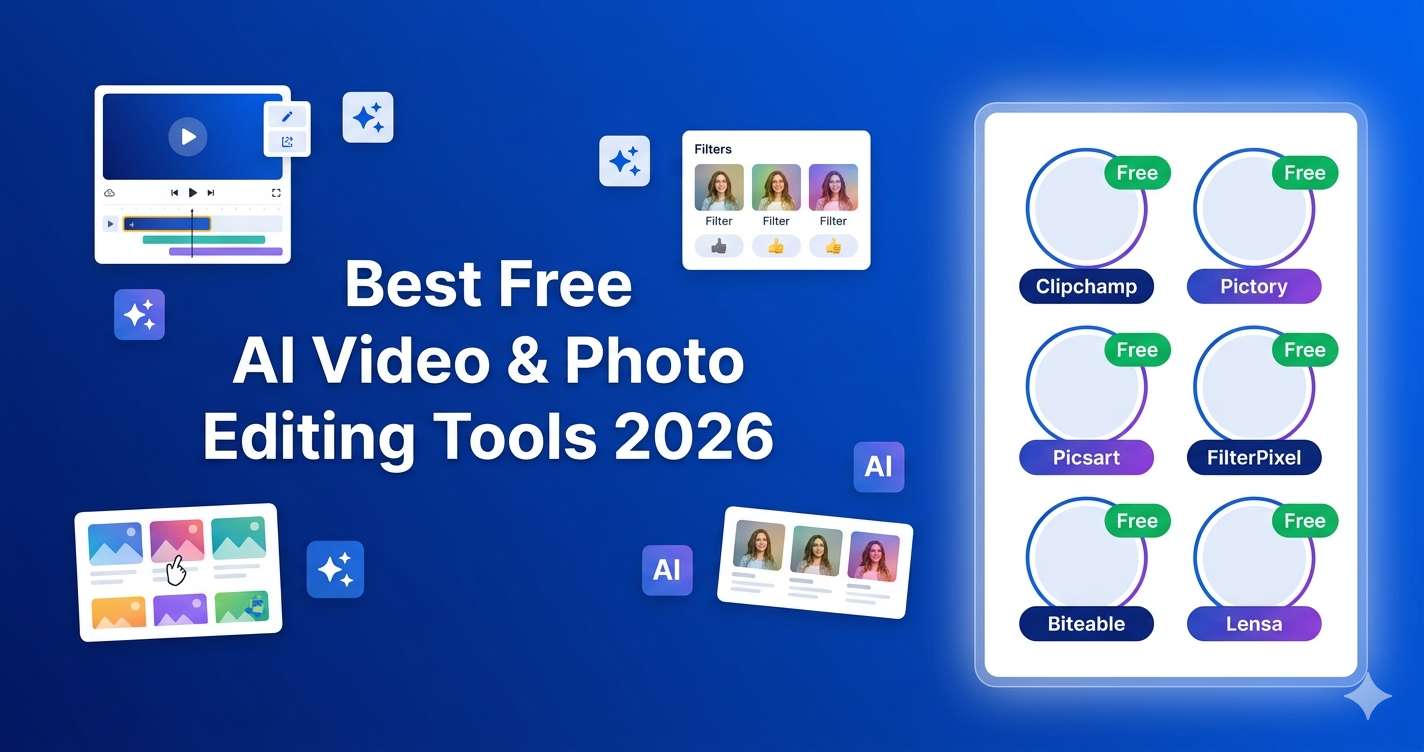
Content creators, YouTubers, and small business owners are under constant pressure to produce high-quality videos and images without blowing through their budgets. The good news? In 2026, the landscape of free AI-powered creative tools has never been more generous. Whether you need a free AI video editor with no watermark, a smart photo retoucher, or an automated clip maker, there is a legitimate free or free-trial option available.
This guide reviews the best free AI video and photo tools available on RevAvenues — including Clipchamp, Pictory, Picsart, FilterPixel, Biteable, and more — so you can find the right tool and start creating today without entering a credit card.
Why Free AI Creative Tools Matter in 2026
AI has dramatically lowered the barrier to professional-looking content. Tools that once required expensive software licenses or professional editors now come with intelligent automation: auto-captions, background removal, smart cropping, noise suppression, and even text-to-video generation. Many platforms now offer genuinely useful free tiers — not just watered-down demos — making them a real option for solo creators and growing teams alike.
1. Clipchamp — Best Free AI Video Editor with No Watermark
Clipchamp, owned by Microsoft, is one of the most accessible browser-based video editors available today. It runs entirely in your browser, requires no installation, and — crucially — offers watermark-free exports up to 1080p on its free plan. Its AI features include automated voiceovers, text-based editing (where you cut video by deleting lines from a transcript), auto-captions for accessibility, and silence trimming to reduce editing time.
For Windows users, Clipchamp comes pre-installed in Windows 10 and 11, making it the zero-friction choice for quick content turnarounds. Its clean timeline interface suits beginners while still offering enough depth for intermediate creators publishing on YouTube or LinkedIn.
Free Plan Highlights: 1080p watermark-free export, AI auto-captions, silence trimming, stock template library.
Explore Clipchamp on RevAvenues →
👉 Try Clipchamp for free — no credit card, no watermark, directly in your browser.
2. Pictory AI — Turn Blog Posts & Long Videos Into Social Clips
Pictory AI is built for a specific and powerful use case: repurposing existing content. Upload a webinar recording, paste in a blog post URL, or feed it a podcast transcript, and Pictory's AI automatically extracts key moments, adds captions, applies visual templates, and creates branded short clips ready for social media.
This approach reflects a broader 2026 content strategy shift — efficiency over starting from scratch. For marketers, educators, and coaches who already have long-form content, Pictory turns one piece of content into dozens of social-ready clips. Its Standard plan starts at $23/month with a free trial to test the workflow.
Best For: YouTube creators, marketers repurposing webinars, podcast-to-video workflows.
Discover Pictory AI on RevAvenues →
👉 Start your Pictory free trial — no credit card required to explore the platform.
3. Picsart — Versatile AI Photo & Video Editor for Content Creators
Picsart is one of the most popular all-in-one creative platforms for social media content creators. Its AI-powered tools cover photo editing, background removal, image enhancement, video trimming, collage creation, and template-based design. The free tier gives creators access to thousands of templates and core editing tools, though premium assets and advanced AI features require an upgrade.
The Picsart free vs. premium decision comes down to content volume. For occasional creators, the free tier is genuinely capable. For brands producing daily content, the premium plan unlocks the full AI toolkit including higher-resolution exports and brand kit features.
View Picsart details on RevAvenues →
👉 Try Picsart free — start creating professional social content today.
4. FilterPixel — AI Photo Culling for Photographers
FilterPixel is purpose-built for photographers who need to efficiently cull large batches of photos. Its AI analyzes sharpness, exposure, composition, and facial expressions to automatically sort and rate images, dramatically cutting the hours spent manually reviewing hundreds of shots. For wedding photographers, event shooters, and portrait studios, this tool solves a very real time problem.
Explore FilterPixel on RevAvenues →
👉 Start your FilterPixel free trial — let AI do your photo culling.
5. Biteable — Simple AI Video Maker for Teams
Biteable is designed for teams who need to produce explainer videos, social ads, and announcements quickly using pre-built templates. Its AI-assisted creation workflow helps non-designers produce polished videos without any technical skill. The free plan includes access to a template library with basic export options, making it a good starting point for small businesses testing video marketing.
6. Imagen AI — Professional Photo Editing Automation
Imagen AI learns your personal editing style and applies it automatically across entire photo batches. It is particularly valued in the professional photography community for its ability to maintain stylistic consistency across hundreds of images while reducing editing time by up to 80%.
Explore Imagen AI on RevAvenues →
7. Lensa AI — AI Portrait & Photo Enhancement
Lensa AI became famous for its Magic Avatars feature, which transforms selfies into artistic portraits using generative AI. Beyond avatars, Lensa offers background blur, skin retouching, and photo enhancement. Its free trial lets you explore the core features before deciding on a subscription.
👉 Start your Lensa AI free trial — create stunning AI portraits instantly.
Comparison Table: Free Video & Photo AI Tools 2026
Clipchamp: Free forever | 1080p no watermark | Video editing, captions
Pictory AI: Free trial | Paid from $23/mo | Text/video-to-clips
Picsart: Free tier | Premium upgrades | Photo + video editing
FilterPixel: Free trial | Culling automation | Photography
Biteable: Free tier | Template videos | Teams & businesses
Imagen AI: Free trial | Style-based editing | Professional photographers
Lensa AI: Free trial | Portrait AI | Social content
Best Free AI Tools for YouTube Content Creators
If you run a YouTube channel, the best free AI creative stack in 2026 combines Clipchamp for editing (watermark-free), Pictory for repurposing long-form content into shorts, and Picsart for thumbnail creation. Together, these three tools — all available with free tiers or trials — cover the full YouTube content production workflow without requiring a paid subscription on day one.
Browse all AI video tools on RevAvenues →
Frequently Asked Questions
Which free AI video editor has no watermark?
Clipchamp exports watermark-free up to 1080p on its free plan. It is one of the few completely free AI video editors that does not add branding to your final output.
Is Pictory AI free?
Pictory offers a free trial so you can test its text-to-video and video-repurposing features before committing to a paid plan starting at $23/month.
What are the best free AI tools for YouTube creators in 2026?
The top combination is Clipchamp (editing, watermark-free), Pictory (repurposing long videos into clips), and Picsart (thumbnails and social graphics). All three offer free tiers or trials.
Conclusion
The free AI video and photo editing tools of 2026 are genuinely capable of producing professional results. Clipchamp is the standout for watermark-free editing. Pictory is unmatched for content repurposing. Picsart covers social creative design. FilterPixel solves photo culling for photographers. Start with the free tiers, identify what you need most, and upgrade only when your workflow demands it.
Explore all these tools and compare their features on RevAvenues — the AI tool directory trusted by thousands of content creators.